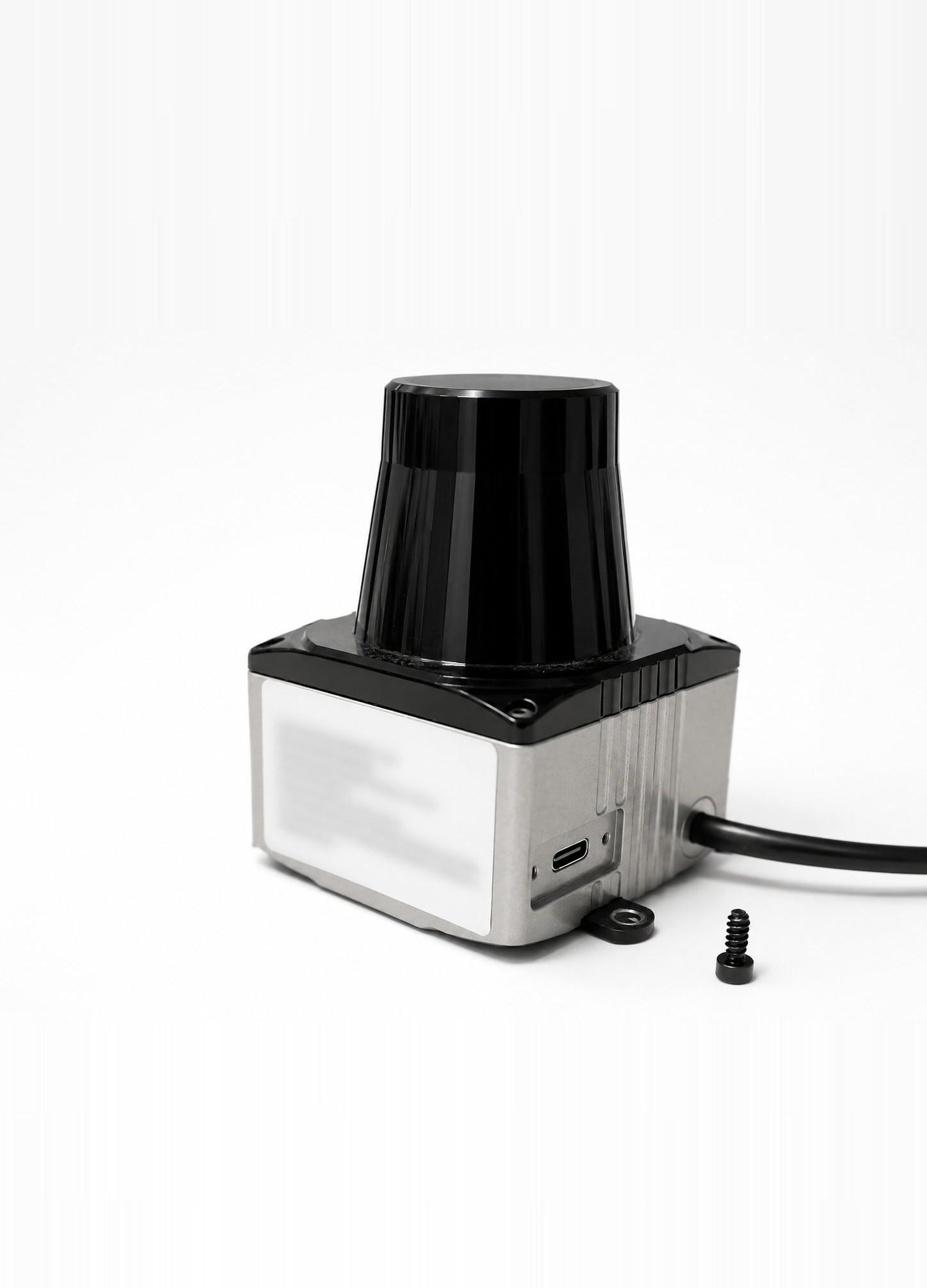
THE PLANAR LIDAR.
A Richbeam LakiBeam1 planar laser scanner mounted in front of the chassis. Your code reads it as 720 distances in centimetres, 0.5° apart, index 0 straight ahead. The same 720-float buffer the racecar-neo-library hands you in the Playground sim and on the car.
THE SCAN LAYOUT.
The full scan is one flat list. Index 0 is forward; the list wraps clockwise. To look at a direction, convert your angle to an index with one of the helpers below, or use rc_utils.get_lidar_average_distance(scan, angle, window_angle) and let it do the maths for you.
pythonscan = rc.lidar.get_samples() # NDArray[720, Float], len == 720 print(len(scan)) # 720 print(scan[0]) # cm, straight forward print(scan[180]) # cm, 90° right (0.5° per index) # For any other direction, let the helper do the index math: left = rc_utils.get_lidar_average_distance(scan, 270, window_angle=8) # 90° left front = rc_utils.get_lidar_average_distance(scan, 0, window_angle=4)
COMMON PITFALLS.
The rear is blind
Centimetres, not metres
Sample rate ≠ control rate
THE PYTHON API.
rc.lidar.get_samples() → NDArray[720, Float]· the raw 720-sample scan in cm.rc_utils.get_lidar_average_distance(scan, angle, window_angle=4)· average over a degree window. Skips blind-arc zeros for you.rc_utils.get_lidar_closest_point(scan, window=(0, 360))· returns(angle_deg, distance_cm).
THE /scan TOPIC.
Rate: 30 Hz
Frame: lidar_link
QoS: Reliable, Volatile, depth 10
RICHBEAM LAKIBEAM1.
The scanner is an off-the-shelf Richbeam LakiBeam1. If you ever want the raw datasheet numbers straight from the source, the Richbeam LakiBeam product page is the place to go. These are the sensor's native numbers: it spins at 0.25° resolution, about 1080 points across the arc. The racecar-neo-library resamples that to the fixed 720-float, 0.5° scan your code actually reads, which is why every example above says 720.