UnboxNEORACER DOCS
NEORACER DOCS
These docs are public and open source.Edit on GitHub
STEP 01 / GETTING STARTED

UNBOX THE NEORACER.

Give yourself about eight minutes to lay everything out and confirm nothing is missing. The LiPo waits until the next page, so there's nothing to plug in just yet.

0 minutesBeginnerNo tools required
//You'll need
  • A flat surface, roughly 1 metre by 1 metre.
  • The NeoRacer shipping box, sealed.
  • A phone or laptop nearby for the rest of Getting Started.
FIG. A / WHAT'S IN THE BOX
In the box
NEORACER CAR
Pre-assembled · LiDAR + camera + IMU + encoders integrated
FLYSKY CONTROLLER
2.4 GHz transmitter + receiver
LIPO CHARGER
Balance charger · 11.1 V capable
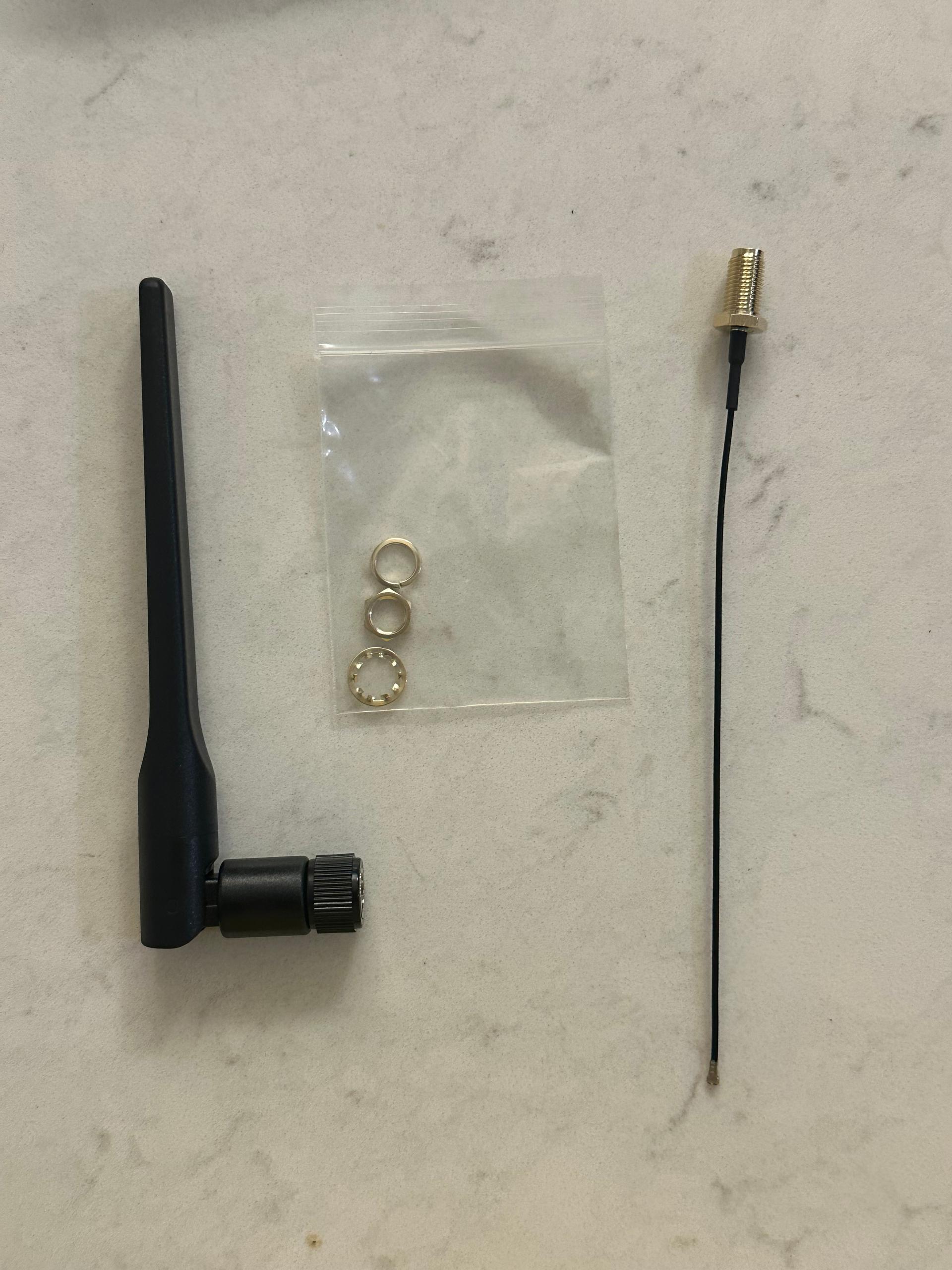
WI-FI ANTENNA
External · screw-on
Not in the box · you supply this
BATTERY
Sourced separately · a 3S LiPo of your choosing
Four pieces come in the box. The 3S LiPo is the one you bring yourself, since international shipping rules keep us from sending batteries, and the Charge and Power page walks through exactly what to look for.
02 / WORK THROUGH IT

THE UNBOXING STEPS.

01
Open the box.

Once the seal is cut, you will find the car cradled in foam, with the Flysky controller, the LiPo charger, and the Wi-Fi antenna packed alongside.

02
Lift the car out by the chassis rails.

The rails give you a firm hold, so it settles nicely on the flat surface with the wheels down.

03
Gather the controller, charger, and antenna.

It helps to set them next to FIG. A above and check everything is accounted for. If a piece did not make it into your box, send a note to support@neobotics.org with your order number and we will sort it out.

04
Get a 3S LiPo battery ready.

Due to various international shipping regulations, Neobotics does not directly sell LiPo batteries but we have the full specifications in the next page to help you find the right fit.

03 / NEXT

Everything is laid out. The next page covers charging the LiPo.