CameraNEORACER DOCS
NEORACER DOCS
These docs are public and open source.Edit on GitHub
HARDWARE / SENSORS

THE CAMERA.

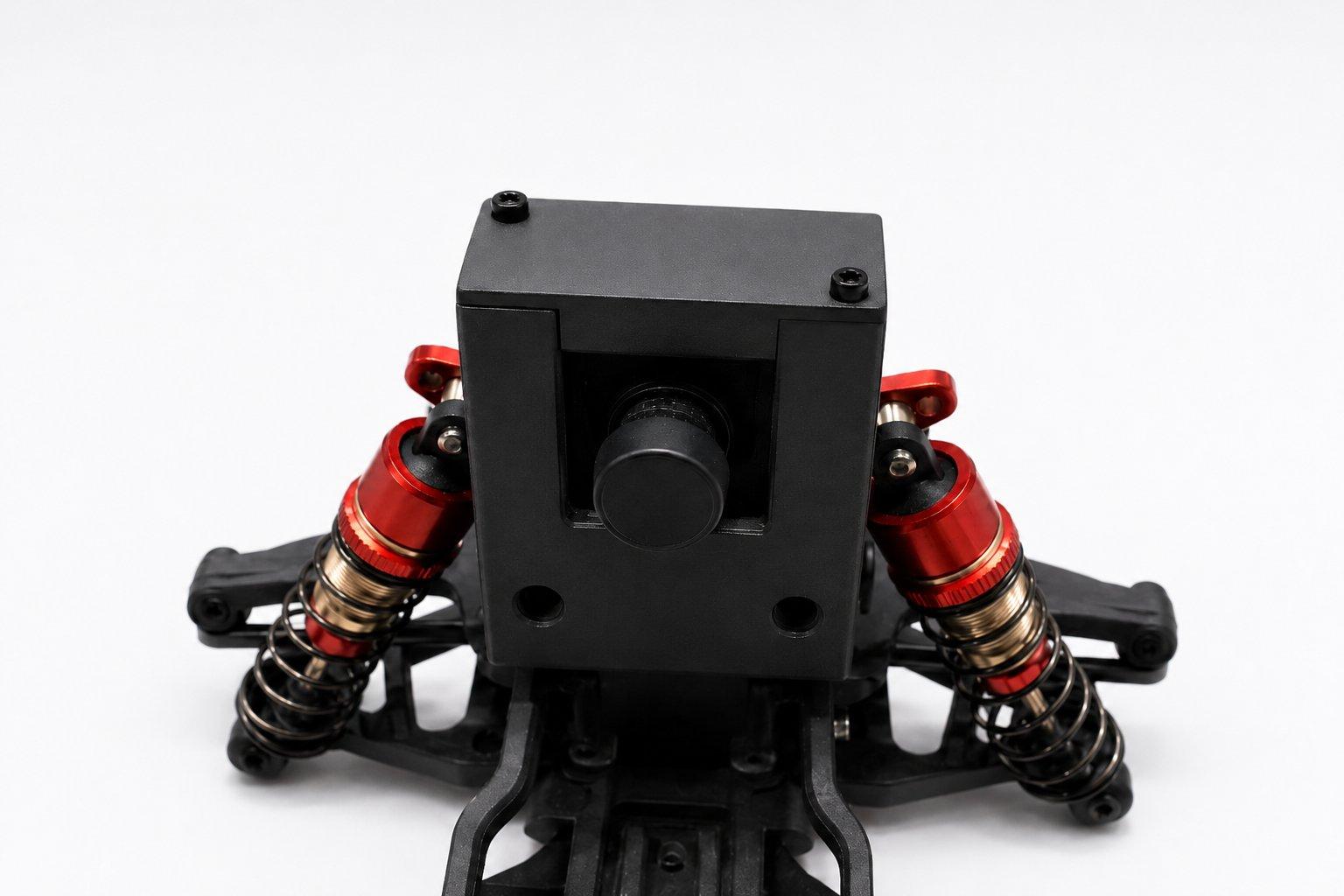
The forward-facing colour camera mounted on the front of the chassis. Your code reads it as a steady stream of 640 x 480 frames, colour as BGR plus a matching depth array. The same frame size the racecar-neo-library hands you in the Playground sim and on the car, so what you tune in simulation is what runs on the track.

Runs unchanged in Playground (sim)0 px wide0 px tallBGR colour + depthJPEG on /camera
01 / THE FRAME

THE FRAME.

The colour image arrives as a NumPy array shaped (480, 640, 3): 480 rows, 640 columns, three colour channels in BGR order. The depth image is the same grid without the colour channels, shaped (480, 640). The physical sensor can capture up to 1080p, but the library normalises every frame to 640 x 480 so that the sim and the car return the exact same shape. That is why the helpers below report a width of 640 and a height of 480 in both places.

python
color = rc.camera.get_color_image() # NDArray (480, 640, 3), uint8, BGR depth = rc.camera.get_depth_image() # NDArray (480, 640) print(color.shape) # (480, 640, 3) print(rc.camera.get_width()) # 640 print(rc.camera.get_height()) # 480 # BGR, not RGB: the blue channel comes first. b, g, r = color[240, 320] # centre pixel, one per channel
02 / AT A GLANCE

SPECIFICATIONS.

API resolution
640 x 480
Colour format
BGR (uint8)
Depth output
(480, 640) array
ROS 2 topic
/camera (JPEG)
03 / PYTHON API

THE METHODS.

  • rc.camera.get_color_image() → NDArray (480, 640, 3) · the colour frame, uint8, BGR order.
  • rc.camera.get_depth_image() → NDArray (480, 640) · the depth frame on the same grid.
  • rc.camera.get_width() → 640 · the frame width in pixels.
  • rc.camera.get_height() → 480 · the frame height in pixels.

The full reference for the camera object lives at API Reference · rc.camera.

04 / ROS 2

THE ROS 2 TOPIC.

In the racecar_neo ROS 2 stack, camera_node publishes sensor_msgs/Image on /camera with the encoding field set to "jpeg", which means the message carries JPEG bytes rather than raw pixels. That keeps the topic light on the network. When you want a plain image that RViz can render directly, the optional decode_camera node republishes a decoded frame on /camera/decoded.

TopicMessage typeNotes
/camerasensor_msgs/ImageEncoding "jpeg": JPEG bytes in an Image message.
/camera/decodedsensor_msgs/ImageOptional. RViz-friendly decoded image from decode_camera.
05 / WHAT IT'S FOR

WHAT IT'S FOR.

01

Lane keeping

Read the colour frame, find the track edges, steer to centre.
The 640 x 480 colour image is the input most lane-following loops start from. You crop to the region that holds the track, threshold for the lane colour, and turn the result into a steering command.
02

Sign and colour recognition

BGR pixels make it straightforward to match against known colours.
Because the frame is plain BGR, masking for a particular colour cone or sign is a few lines. The depth array tells you how far away the match is, which is handy for deciding when to act on it.
03

Reinforcement learning

A fixed 640 x 480 frame is a stable observation for an RL pipeline.
Because every frame is the same shape in sim and on the car, the image makes a clean observation for a learned policy. The model you train against Playground frames sees the same input size when it runs on the track.