
These docs are public and open source.Edit on GitHub
STEP 06 / GETTING STARTED
WALL FOLLOWING.
To ensure all sensors are running well, try executing your first program on the car. This same script runs both on the real car as well as the Neobotics Playground twin simulator.
0 minutes
FIG. A / THE TWO SWITCHES THIS PAGE USES
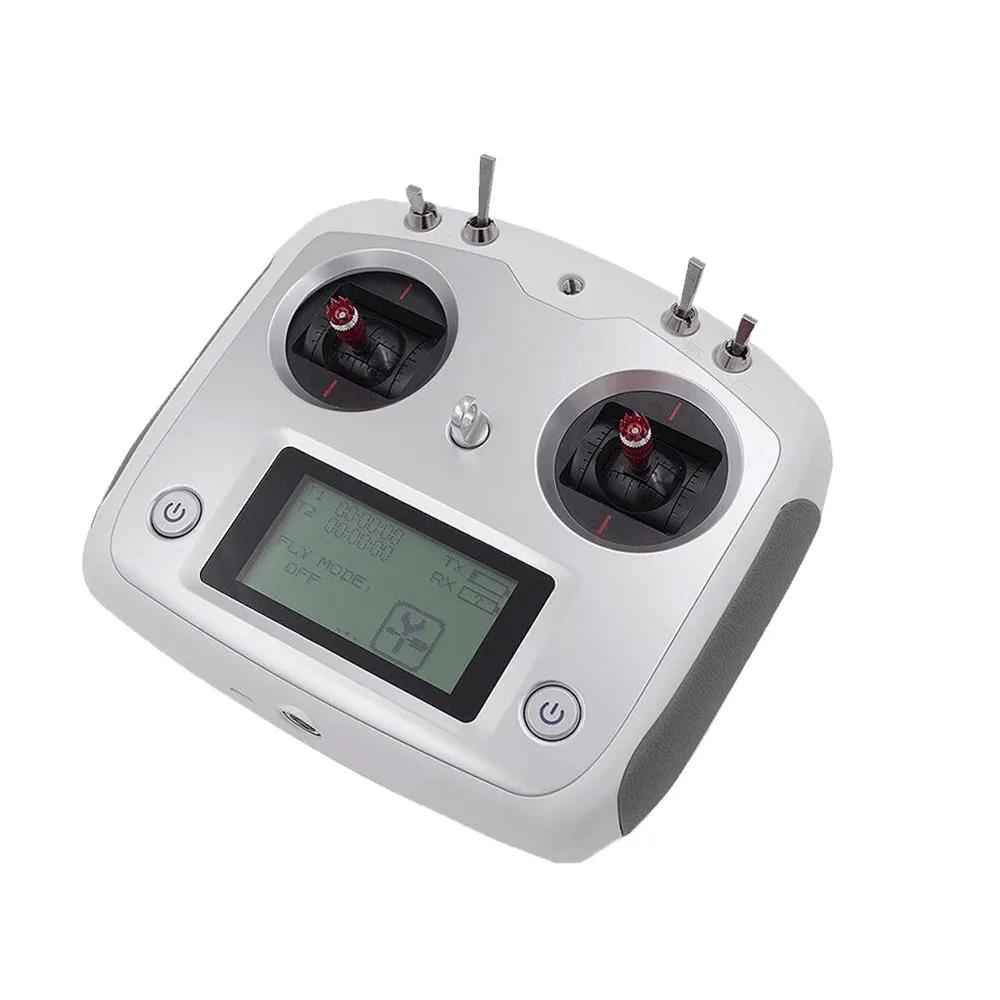
SWA · MANUAL SPEED
UP SLOW · DOWN FAST
UP SLOW · DOWN FAST
SWB · WHO DRIVES
UP MANUAL · DOWN AUTONOMY
UP MANUAL · DOWN AUTONOMY
FIG. B / WHAT YOUR PROGRAM WILL DO
//Where to run it
- Playground: open playground.neobotics.org in your browser, paste the code, place the car next to a wall, and click Run. There is nothing to install, so this is the easiest place for the first run.
- Car: save the file as
wall_follow.pyin~/jupyter_ws/neoracer-os/labs/, next to the labs that ship on the car. Easiest from JupyterLab in your browser (port8888), or over SSH from Get on the car. Then run it from that folder:
The program starts immediately, and the car drives once you flipbashcd ~/jupyter_ws/neoracer-os/labs python3 wall_follow.pySWBto autonomy. FlippingSWBback returns the sticks to you, which is also how you take over if it heads somewhere you didn't plan.
01 / THE PROGRAM
THE PROGRAM.
pythonimport sys sys.path.insert(0, "../library") # the racecar-neo library on the car import racecar_core import racecar_utils as rc_utils rc = racecar_core.create_racecar() SPEED = 0.2 # low throttle while tuning TARGET = 50 # cm: the gap we want to hold from the right wall KP = 0.01 # steering per cm of error FRONT_STOP = 50 # cm: a wall this close ahead means turn away def start(): rc.drive.stop() print(">> Wall follower running. Watching the LiDAR.") def update(): scan = rc.lidar.get_samples() # ~1440 distances, cm if len(scan) == 0: # no scan yet, right at start-up return # Distance straight ahead (0 deg) and to the right wall (90 deg). front = rc_utils.get_lidar_average_distance(scan, 0) right = rc_utils.get_lidar_average_distance(scan, 90) if front < FRONT_STOP: # corner ahead rc.drive.set_speed_angle(SPEED, -1) # turn full left else: error = right - TARGET # +: too far from wall angle = rc_utils.clamp(KP * error, -1, 1) # steer toward the wall rc.drive.set_speed_angle(SPEED, angle) rc.set_start_update(start, update) rc.go()
02 / WHAT TO EXPECT
WHAT TO EXPECT.
Place the car with a wall on its right and run it. It should hold a steady distance from the wall and turn at corners. If it oscillates or hits the wall, tune KP and SPEED and run it again.
Sim run
The simulator has no sensor noise, so the car holds its distance and turns without weaving. Use this run as the baseline to tune against.
Car run
Same code, real LiDAR. Small steering oscillations from sensor noise are normal. If the data is empty or frozen, that is a LiDAR fault, not your code.
Tuning
If KP is too high the car oscillates; too low and it drifts into the wall. Keep SPEED low while you tune, then raise it once the car holds the target distance.