OverviewNEORACER DOCS
NEORACER DOCS
These docs are public and open source.Edit on GitHub
BUILD / OVERVIEW

THE BUILD.

Your NeoRacer arrives fully built and ready to drive; no assembly is needed. This page covers the major components for when you want to swap, repair, or customize something. Every major part is so you can swap a sensor, repair a part, or rebuild the whole car from the chassis up.

Ships assembledModular by design10 major components
THE WALKTHROUGH

THE MAJOR COMPONENTS.

Here is the car in the order it comes together, from the rolling chassis up to the network you use to talk to it. Each part links to its own page if you want the full detail.
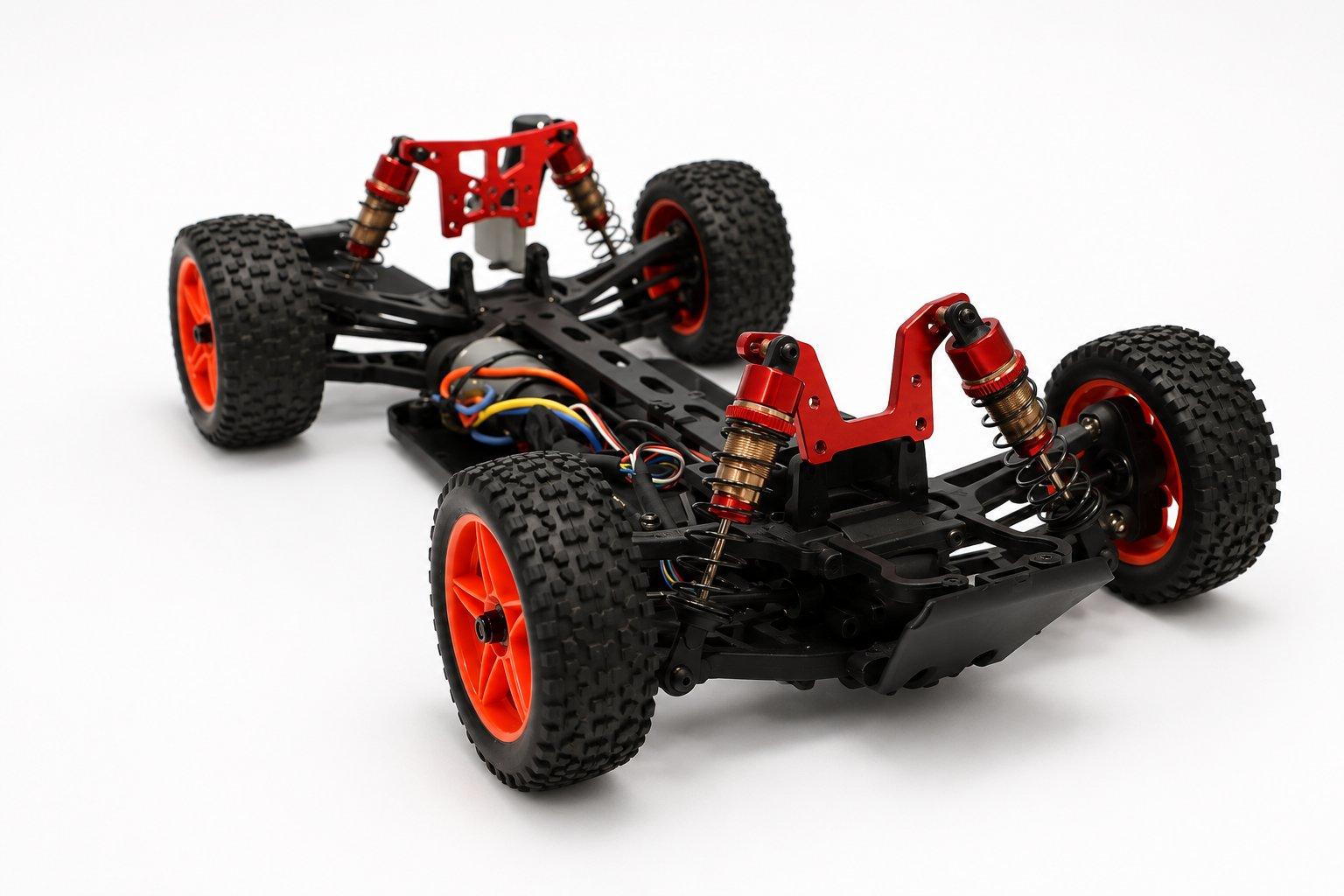
The NeoRacer rolling chassis with red oil-filled shocks and off-road wheels
01

The chassis

Everything starts with the rolling chassis, a 1:12 scale platform with real oil-filled shocks, a brushed motor, an electronic speed controller, and a steering servo already wired in. The bay down the middle is where the battery and the electronics sit.

Chassis & CAD
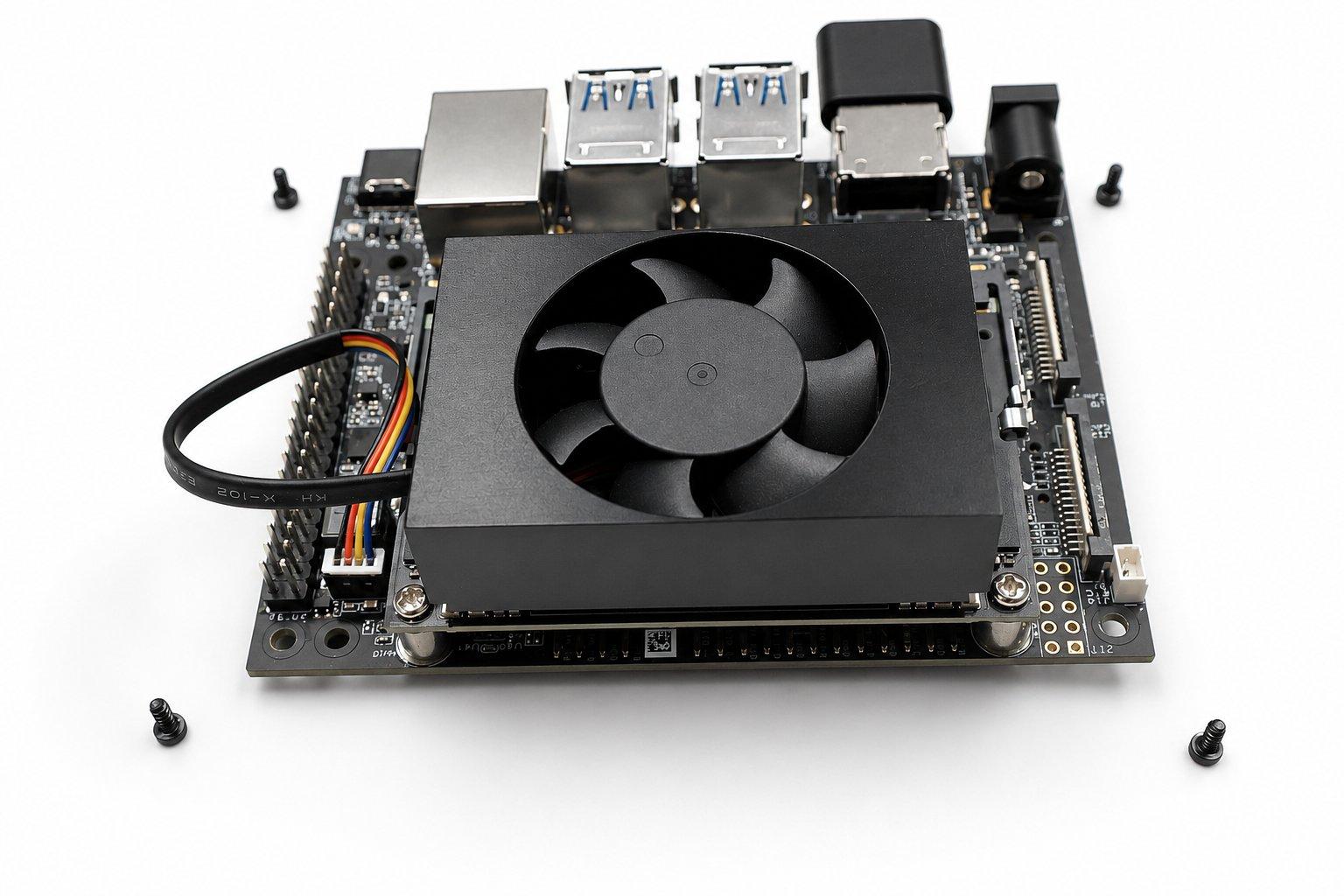
NVIDIA Jetson Orin Nano on its carrier board with cooling fan and USB ports
02

Jetson Orin Nano

The NVIDIA Jetson Orin Nano is the car's main computer. It runs Linux, your Python, and the heavier vision and learning work, and it talks to the rest of the car over USB.

Compute
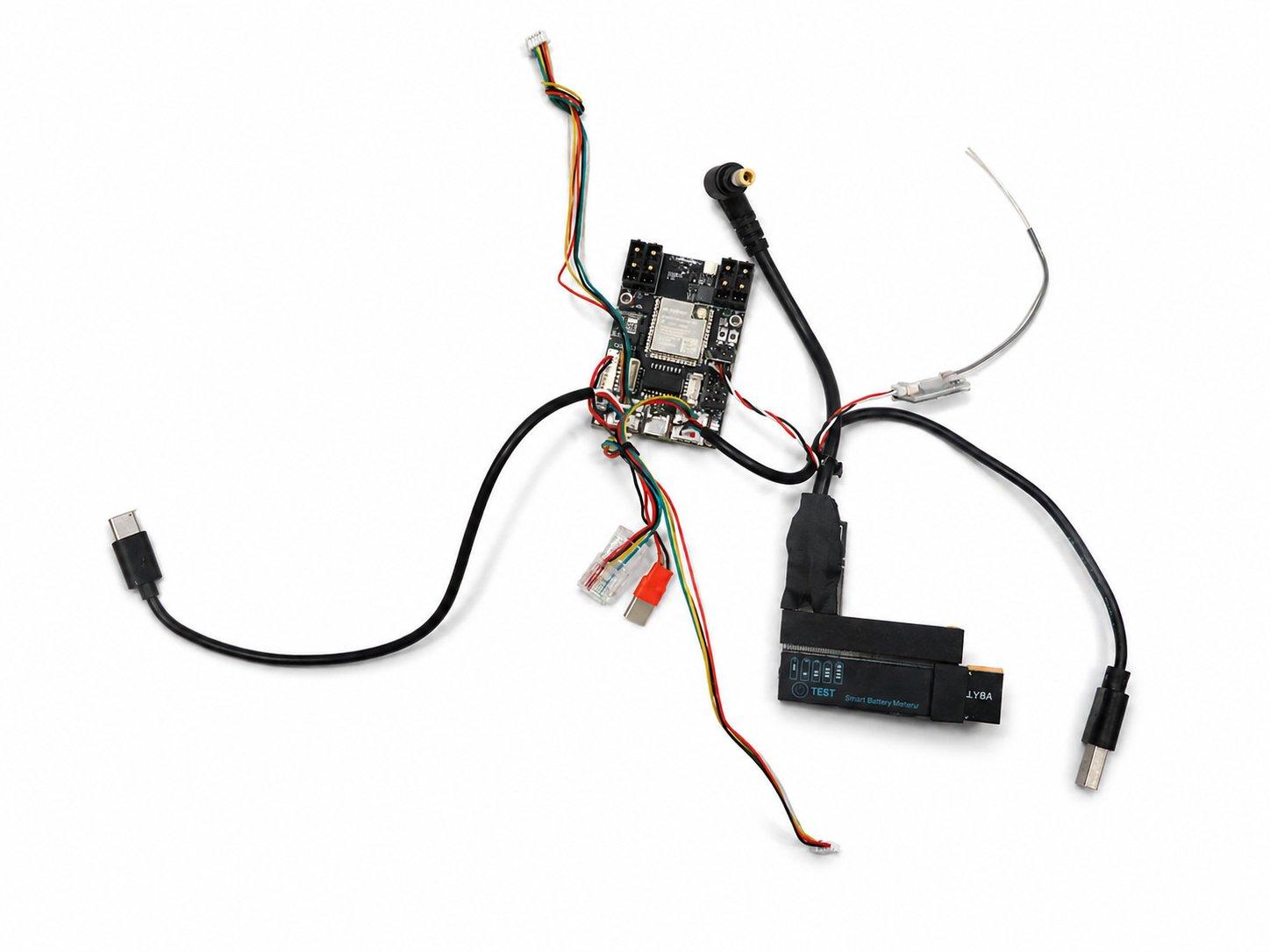
The OSCORE ESP32-S3 control board with its wiring harness
03

The OSCORE control board

The OSCORE board sits between the Jetson and the moving parts. Built around an ESP32-S3, it takes the Jetson's commands and turns them into the signals that drive the motor and steer the servo, and it sends the IMU and wheel data back the other way.

OSCORE board
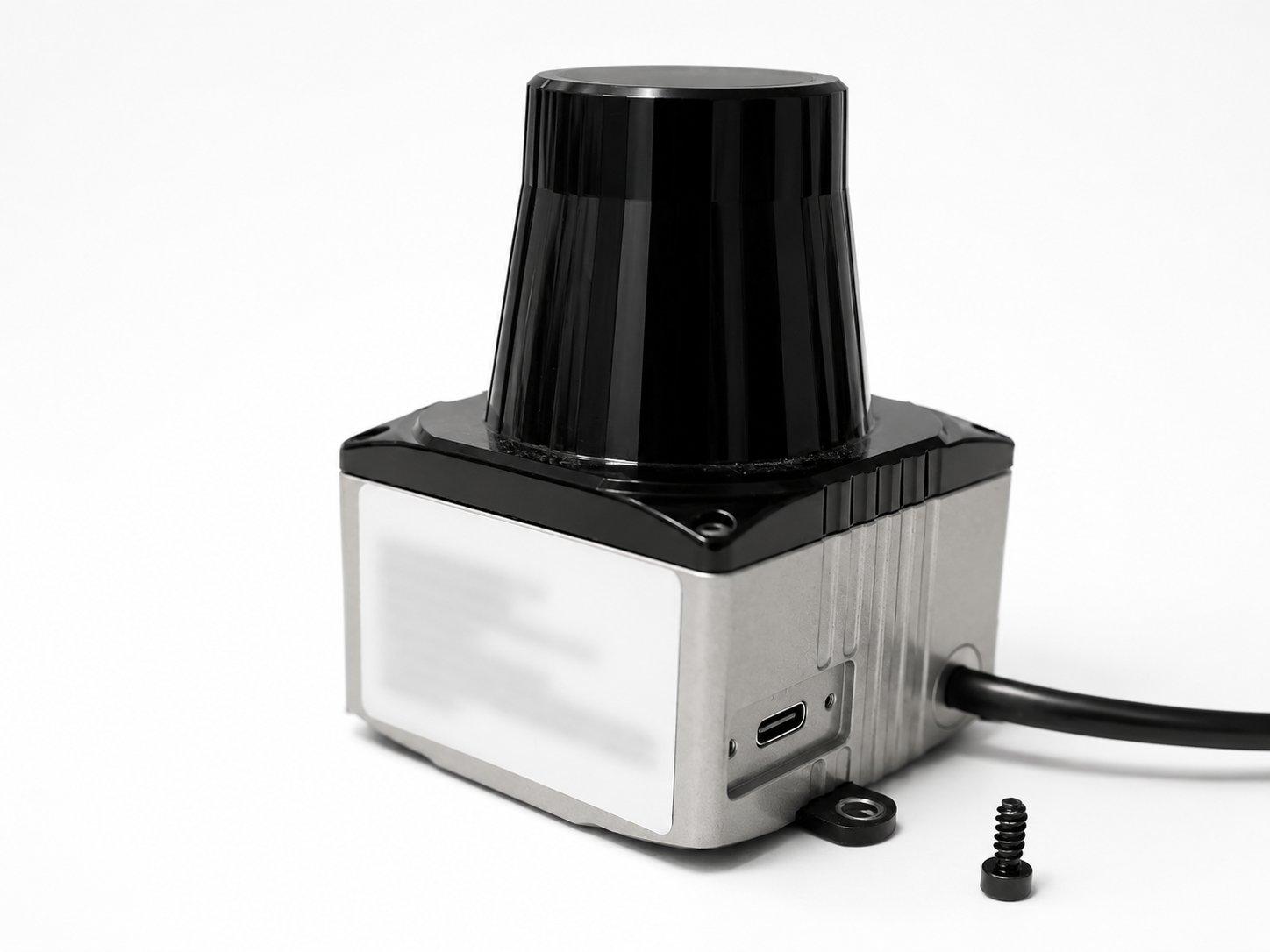
The LakiBeam L1 spinning LiDAR unit on its mount
04

LakiBeam L1 LiDAR

The LakiBeam L1 mounts on a short tower at the nose and spins a laser to measure the distance to walls and obstacles around the car. Wall following, gap finding, and mapping all read from this scan. It connects to the Jetson through the OSCORE board.

LiDAR
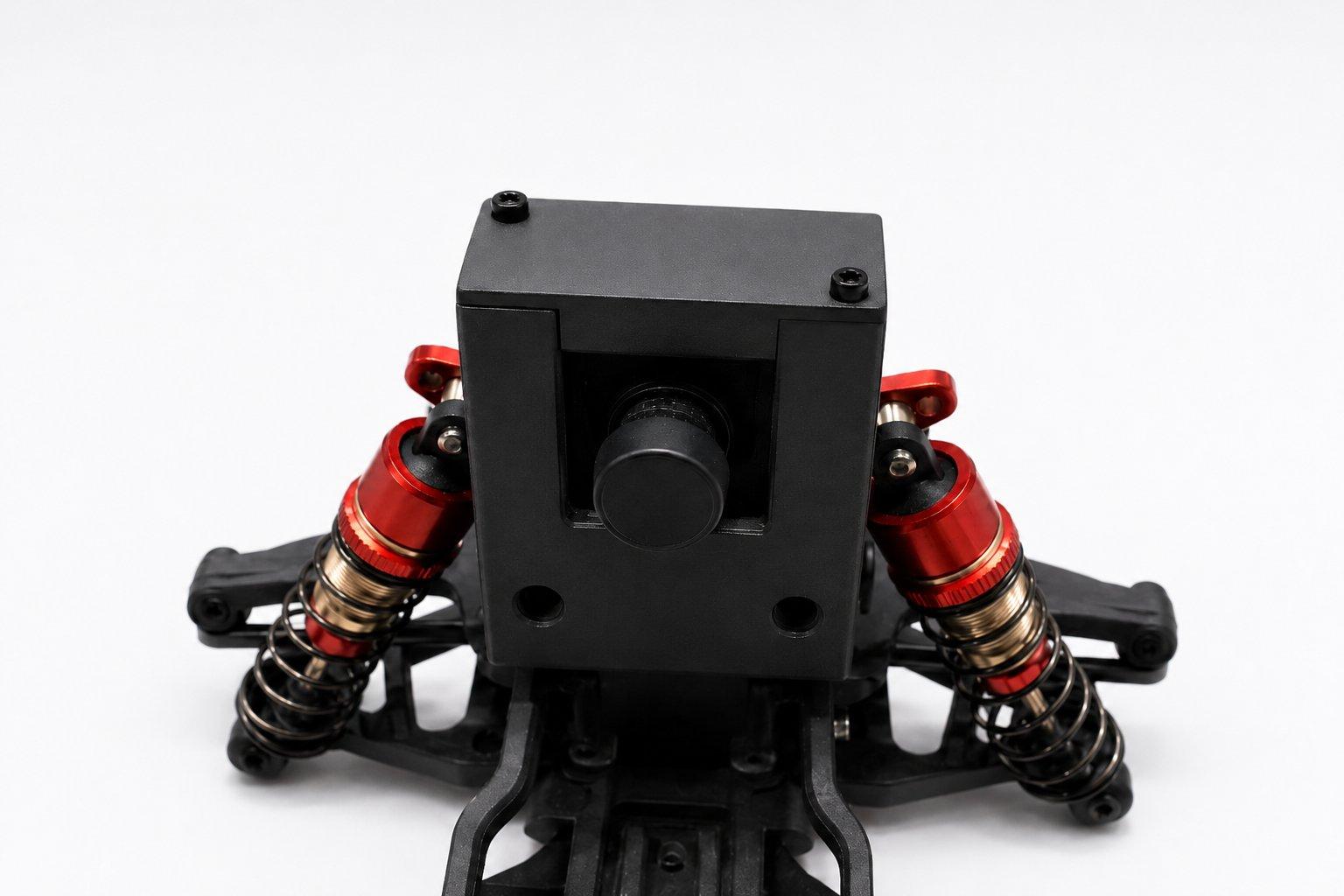
The NeoRacer camera in its front housing
05

The camera

The camera faces forward from its housing at the front of the car. Lane following, colour and object detection, and any other vision work read from it. A single USB cable connects it directly to the Jetson.

Camera
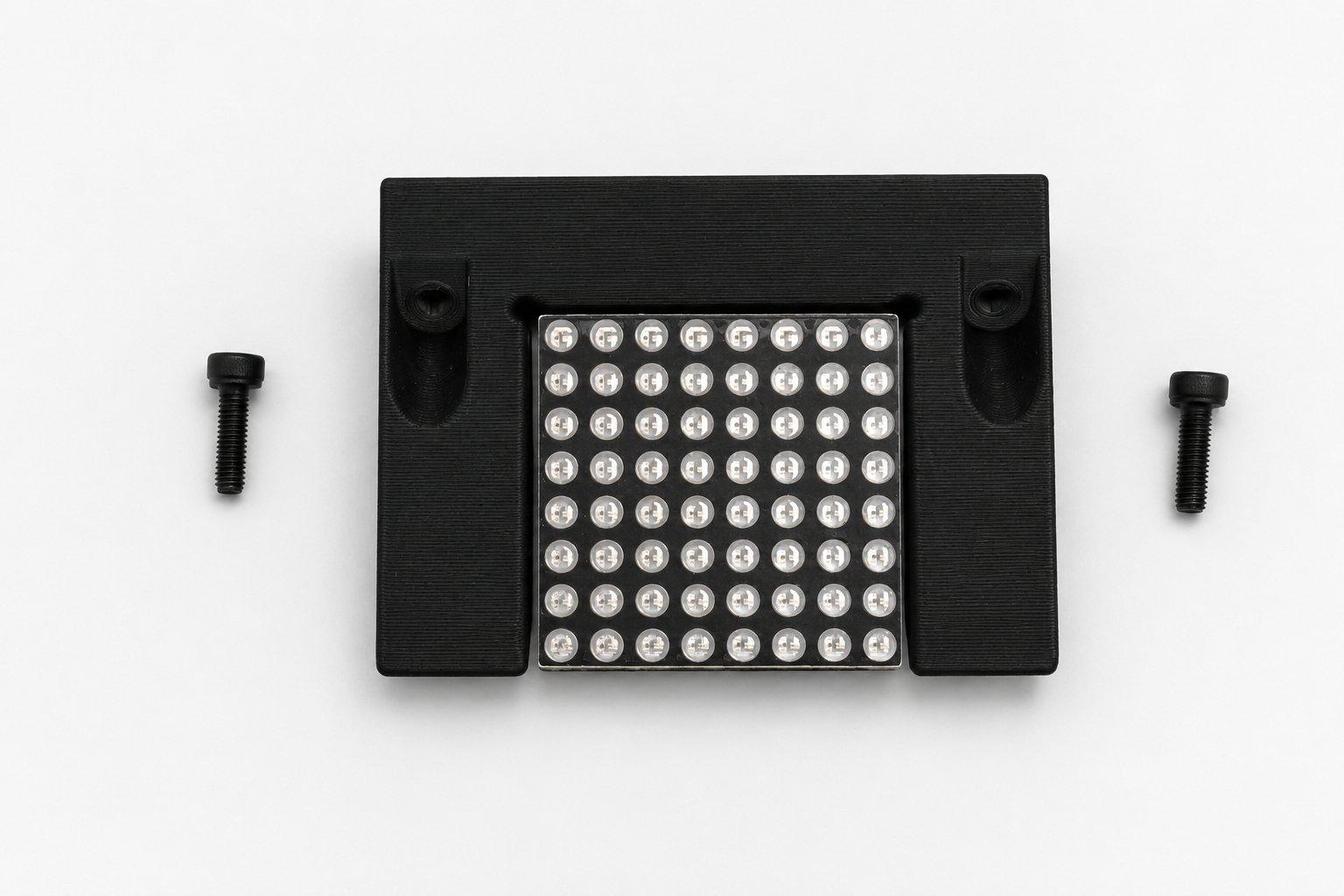
The 8 by 8 LED dot matrix display in its housing
06

The LED dot matrix

The 8 by 8 LED dot matrix mounts at the back of the car. Programs write patterns, numbers, or status text to it while the car drives, over the /led_matrix/command topic.

First program
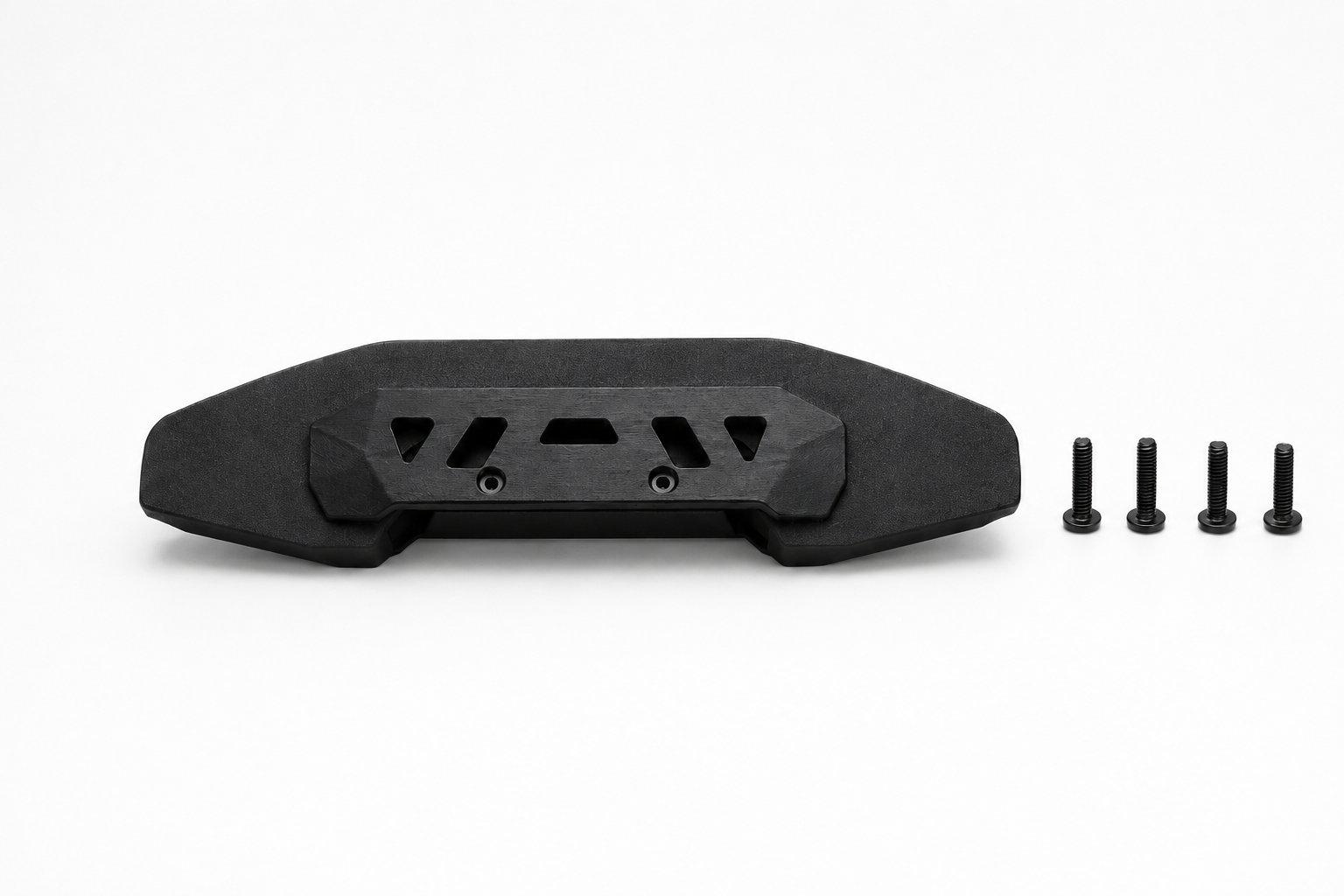
The NeoRacer front bumper with its four mounting screws
07

The front bumper

The front bumper bolts onto the nose with four screws and shields the camera, the LiDAR tower, and the front suspension in a crash.

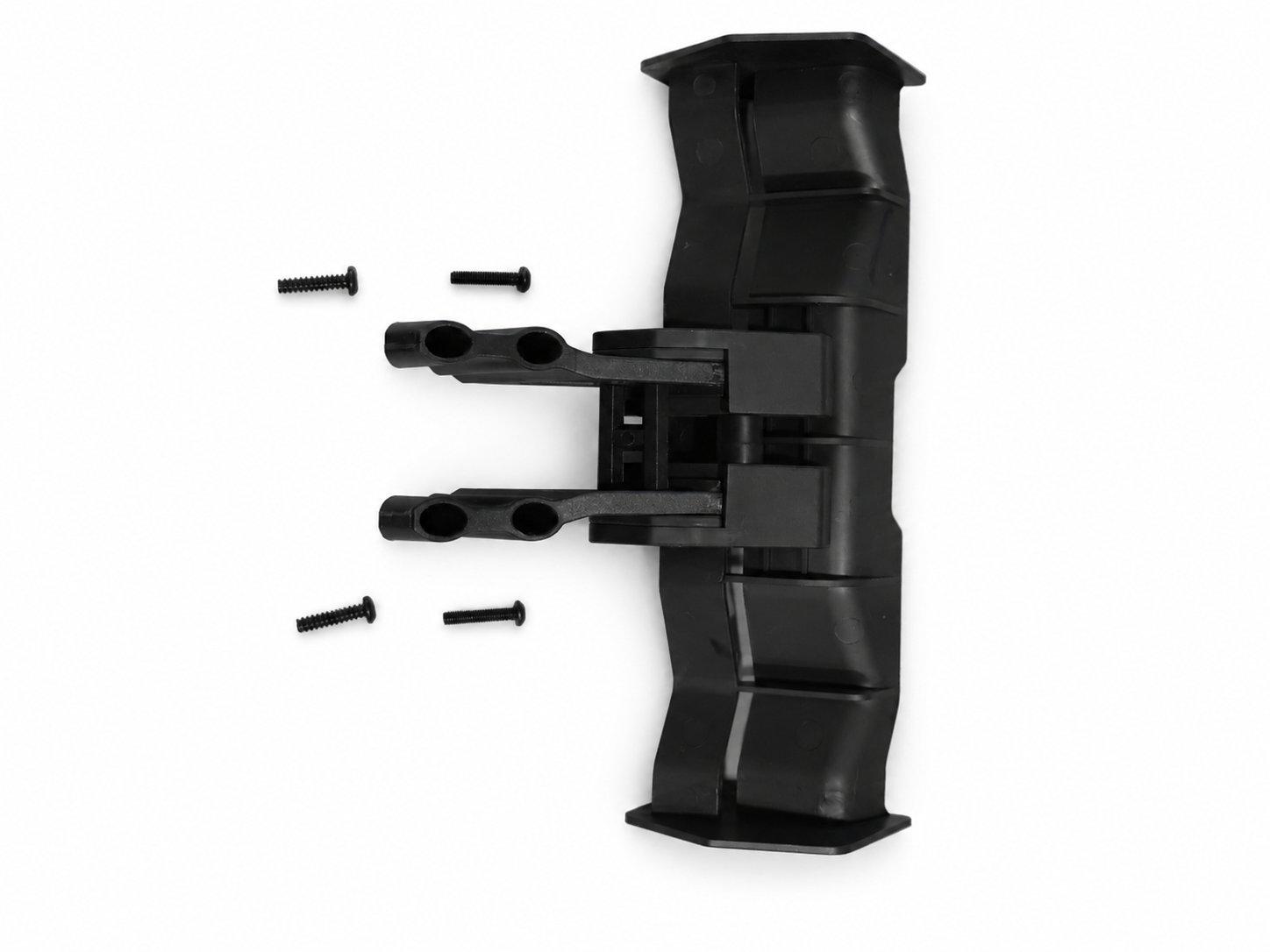
The rear wing with its mounting arms and screws
08

The rear wing

The rear wing bolts onto the tail with its two mounting arms and shields the back of the car the same way the bumper covers the front. Both the wing and the bumper are stock factory parts.

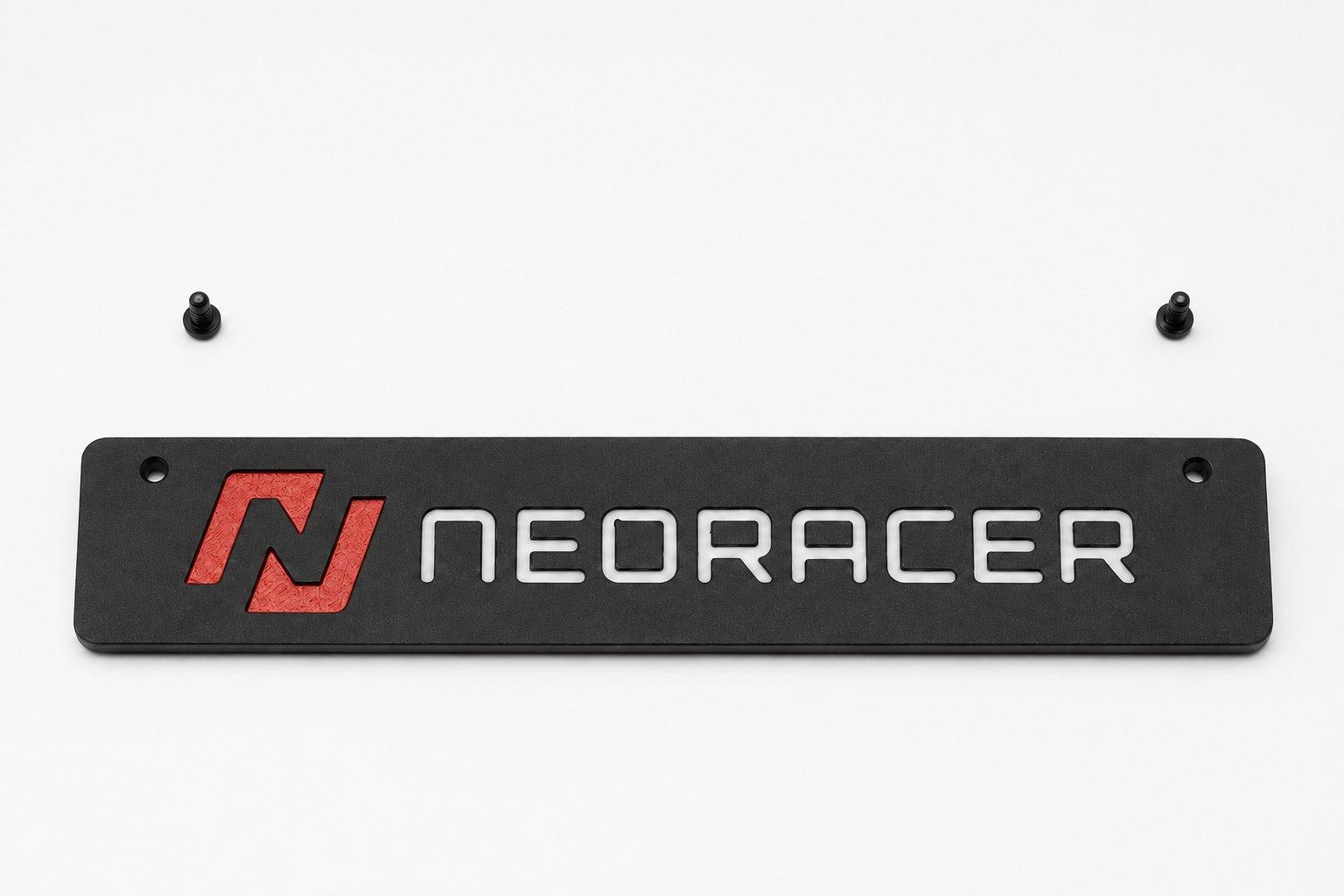
A NeoRacer-branded side cover panel
09

The side covers

The side covers close up the electronics bay and carry the NeoRacer name. They keep dust out of the wiring, and they are the simplest part to customize.

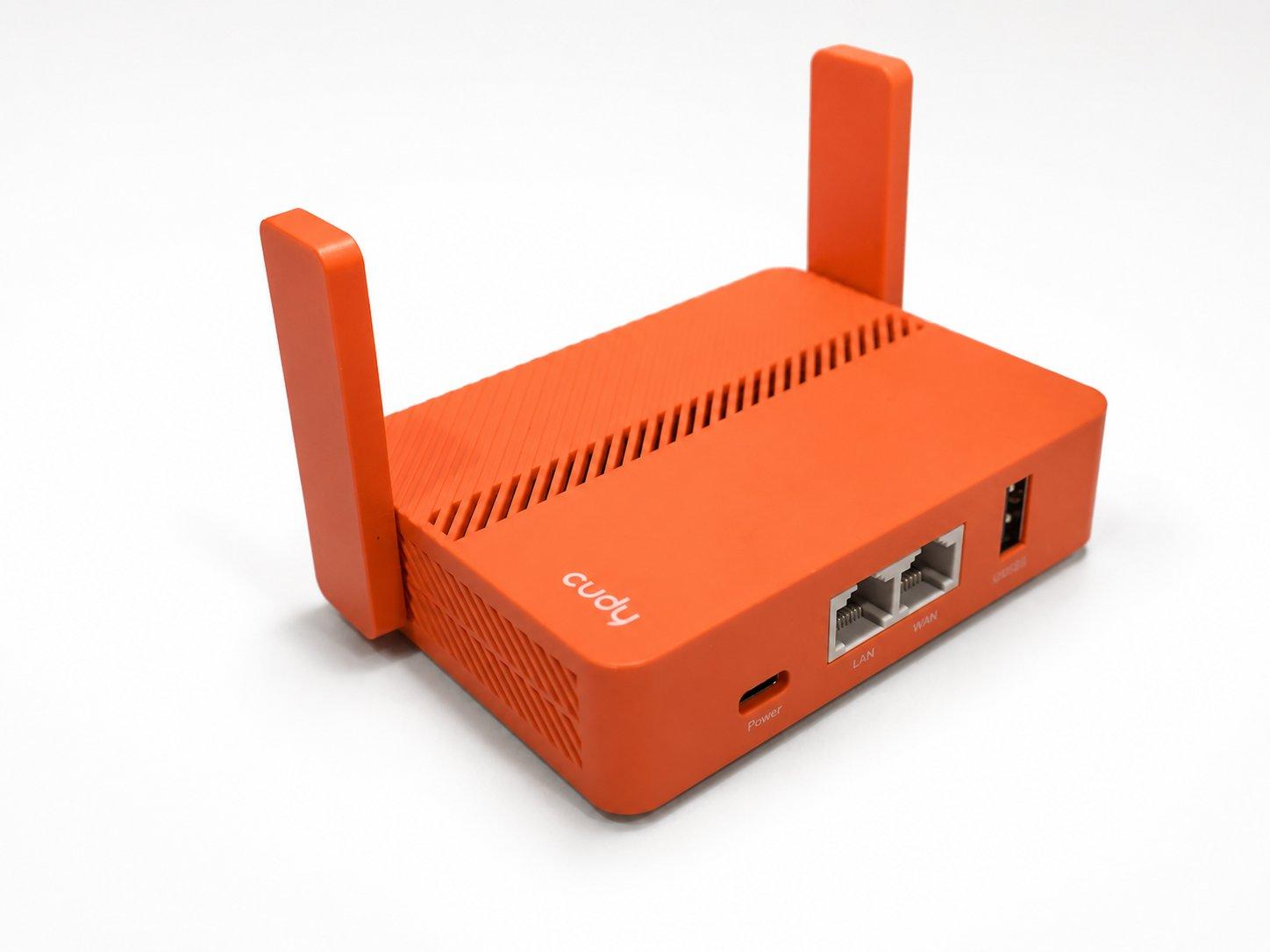
The Cudy travel router that puts the car and laptop on one network
10

The network

The kit includes a small travel router so the car and your laptop can share one network straight out of the box, no cables needed. Power it on, join its Wi-Fi, and you can reach the car's notebook interface and start sending it code. The networking page has the exact names and addresses.

Networking