
NEORACER NETWORKS
There are two ways to access the car: the cudy router or the Nvidia Jetson's access point. Both methods have a fixed address.
PICK YOUR NETWORK
With the cudy router, the car plugs into the router and both join its Wi-Fi. With the access point, the Jetson broadcasts its own Wi-Fi and your laptop joins the car directly.
| Cudy router | Jetson Access Point | |
|---|---|---|
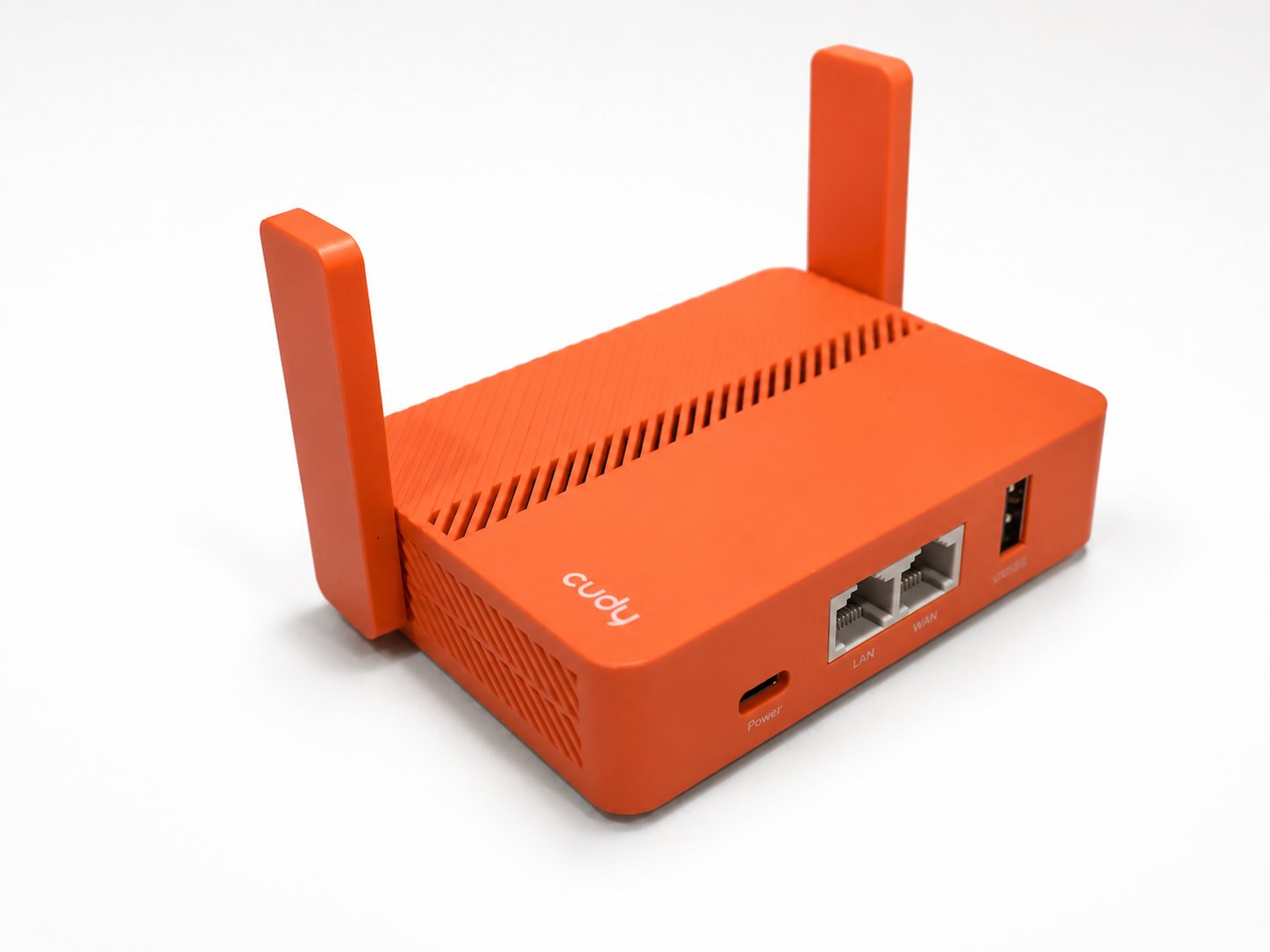 | 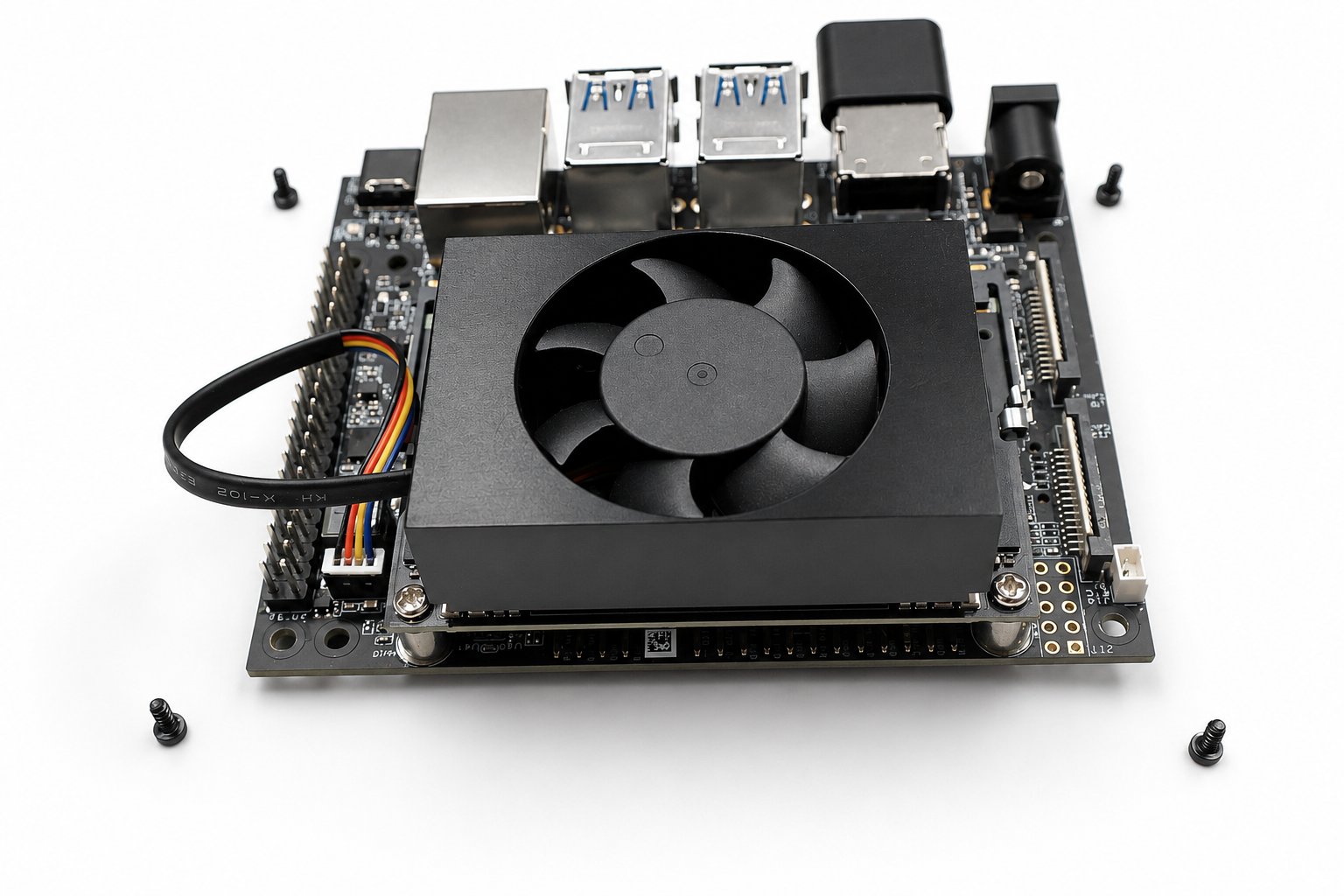 | |
| Wi-Fi to join | neoracer-[ID] (+ -5G twin) | neoracer-1 (default) |
| Wi-Fi password | neobotics | neobotics |
| Network IP | 192.168.10.100 | 10.42.0.1 |
| Gateway | 192.168.10.1 | 10.42.0.1 |
| Extra hardware | the included cudy router | none |
| Setup | automatic | requires the |
| Antennas | attached to the router | externally placed |
NETWORK SETUP
Set up whichever network you picked. The access point is configured on the car itself; the cudy router is configured from a browser.
racecar setup networking configures the Jetson's access point. Run with no flags it applies the defaults. All flag values are saved to ~/.config/racecar/networking.env on the car, so the settings are applied on boot.
bashracecar setup networking --ssid=neoracer-2 # rename the access point racecar setup networking --psk=mypassword # change the AP password racecar setup networking --show # print the saved settings racecar setup networking --reset # back to the defaults
Other flags are listed on the racecar CLI page.
WAYS TO CONNECT
Once you have chosen your preferred network method, there are two main ways to connect to the car:
in as racecar at the address for your network:
bashssh racecar@192.168.10.100 # cudy router ssh racecar@10.42.0.1 # access point # password: neobotics
For the full Jetson desktop, connect by the IP address. Setup is done in Remote desktop.
SERVICES
The car runs its whole stack as services on boot: the driver, the watchdog, the health dashboard, and JupyterLab. The latter two are webpages and can be accessed via the browser.
bashhttp://192.168.10.100:8080 # health dashboard (10.42.0.1 on the AP) http://192.168.10.100:8888 # JupyterLab (10.42.0.1 on the AP)
Each address is two parts. The first is the car's IP, which depends on the network you picked: 192.168.10.100 on the cudy router, or 10.42.0.1 on the Jetson access point. The second is the port after the colon, which picks the service: :8080 for the health dashboard and :8888 for JupyterLab. The IP changes with your network; the port does not.