These docs are public and open source.Edit on GitHub
REMOTE DESKTOP SETUP
The car ships with preinstalled, so your device can mirror the Jetson's desktop over the network.
RUSTDESK SETUP
- Download and install RustDesk on your computer from rustdesk.com.
- Make sure your computer and the Jetson are on the same network, either the cudy router or the access point.
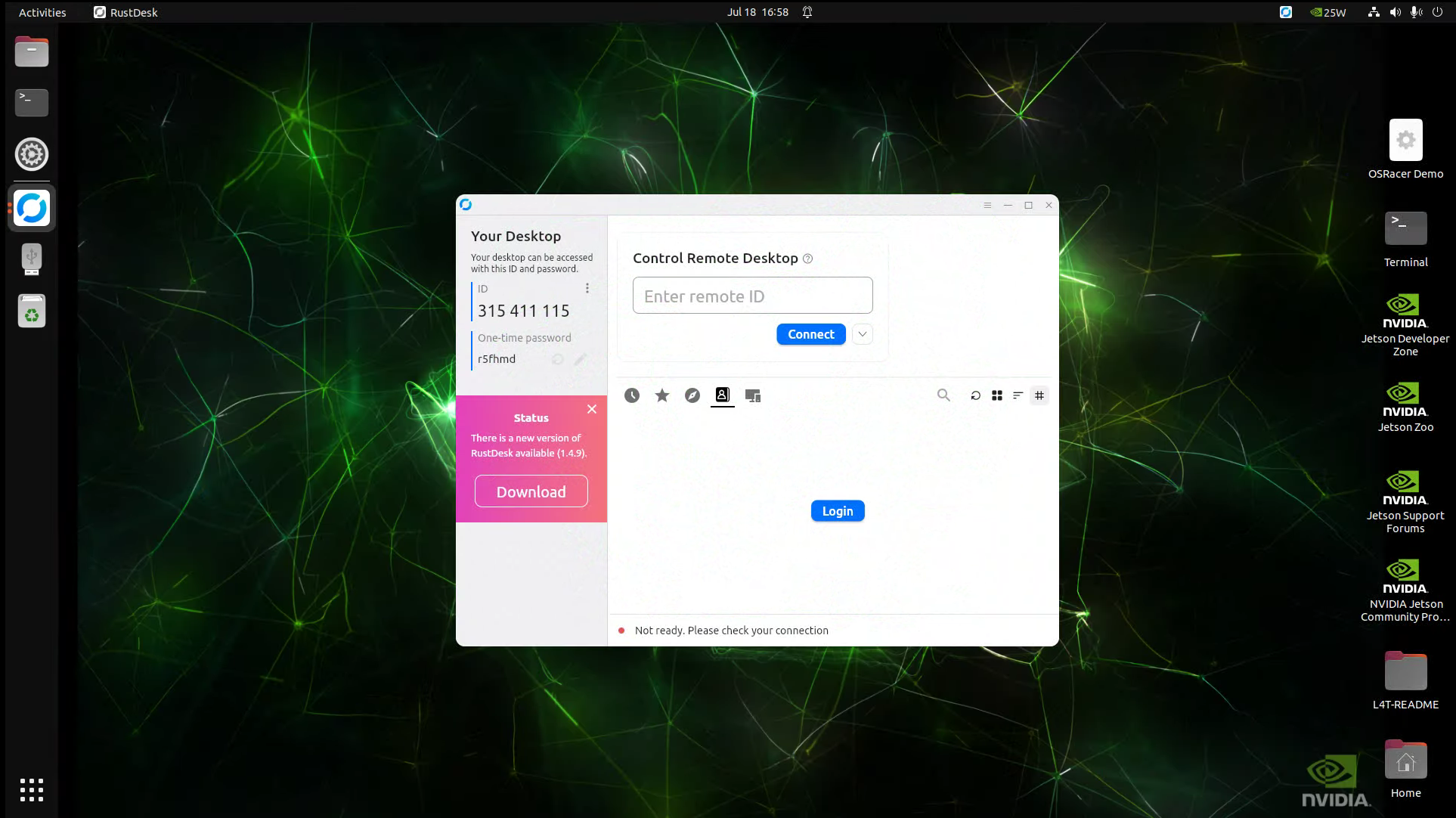
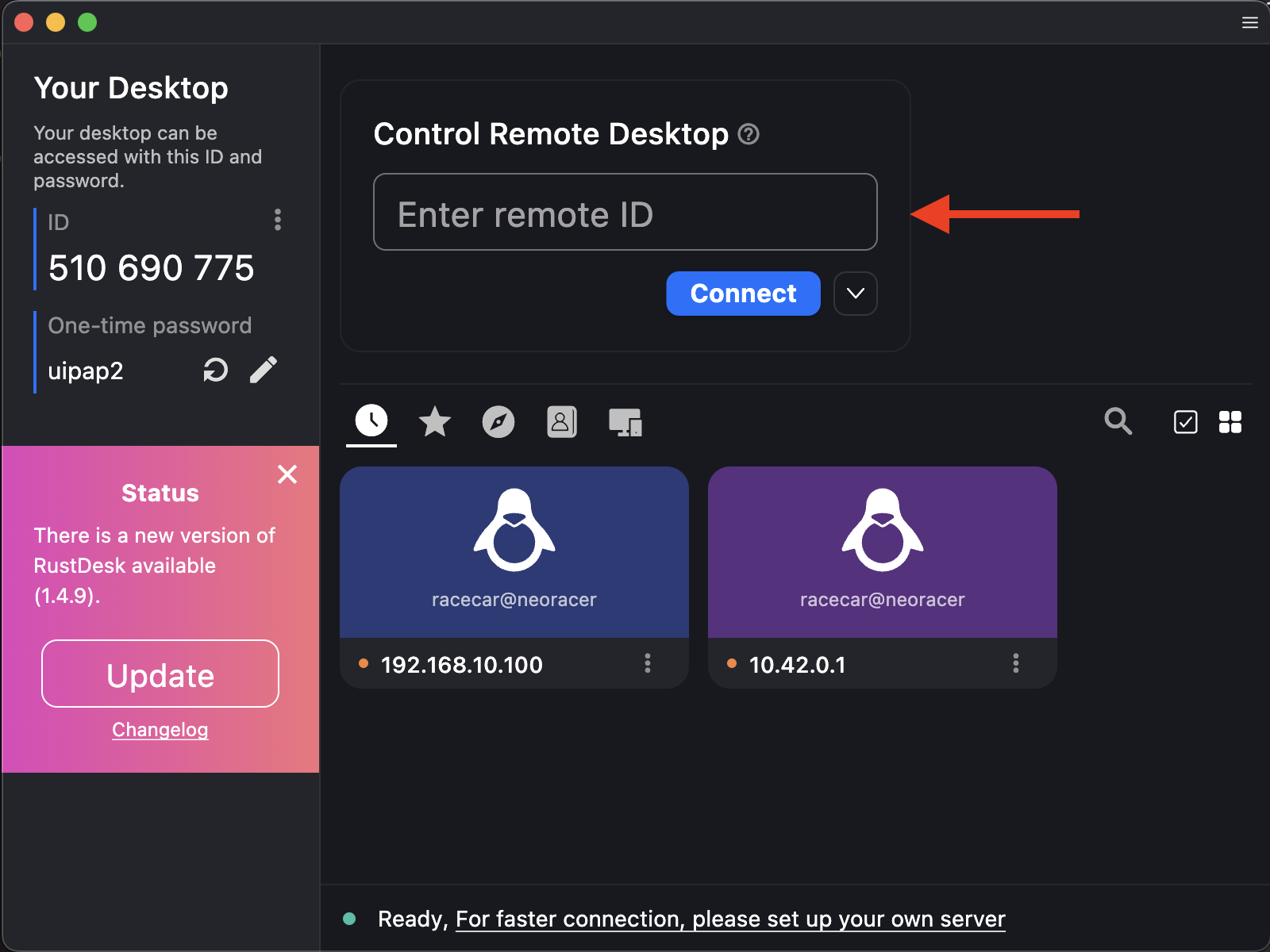
- Open RustDesk. You will see the home screen.
- Enter the car's IP address for your network:
192.168.10.100on the cudy router, or10.42.0.1on the access point. - Press Connect.
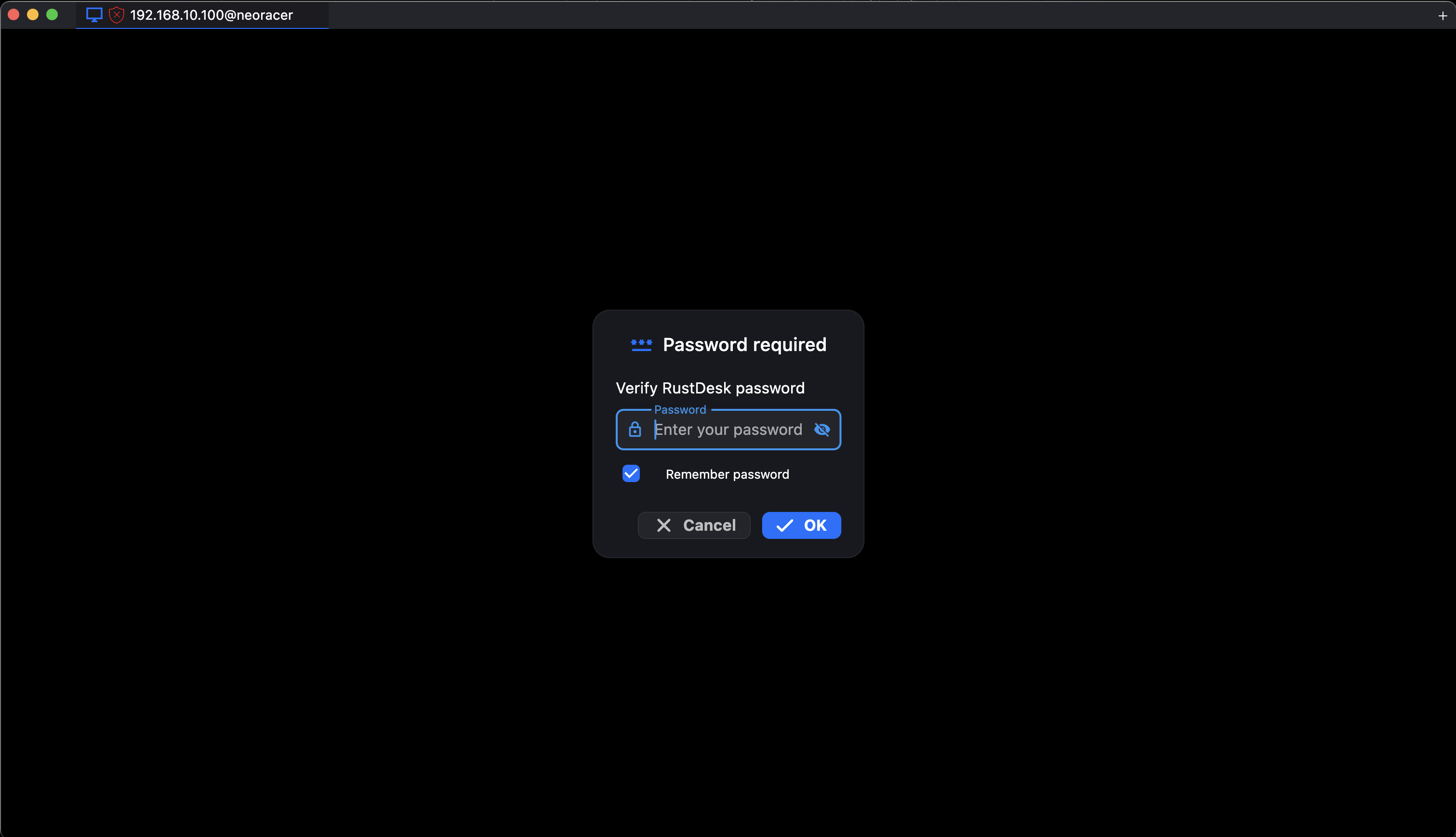
- The first time you connect, RustDesk asks for its password. It is
Neo-2026. - The Jetson login screen appears. Log in as
racecarwith the passwordneobotics.
CHANGE THE PASSWORD
The NeoRacer ships with the RustDesk password set to Neo-2026. You can keep it, or change it here:
- Open RustDesk on the car's desktop.
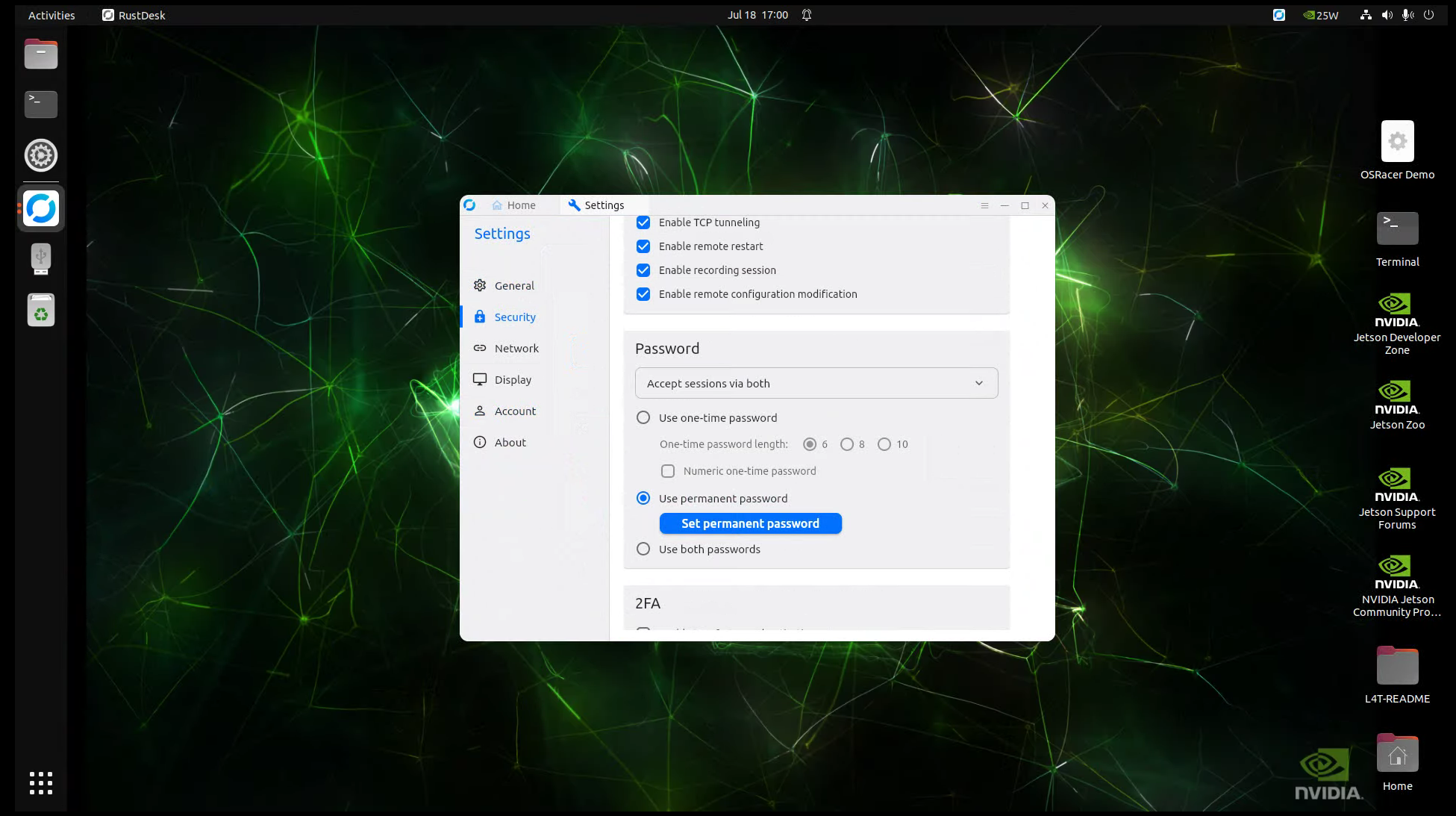
- Open Settings from the menu, then the Security tab.
- Scroll to the Password section and select Use permanent password. The dropdown above it can stay on "Accept sessions via both".
- Click Set permanent password.